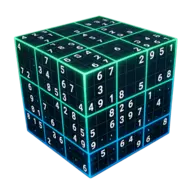
Sudoku, reimagined in 3D
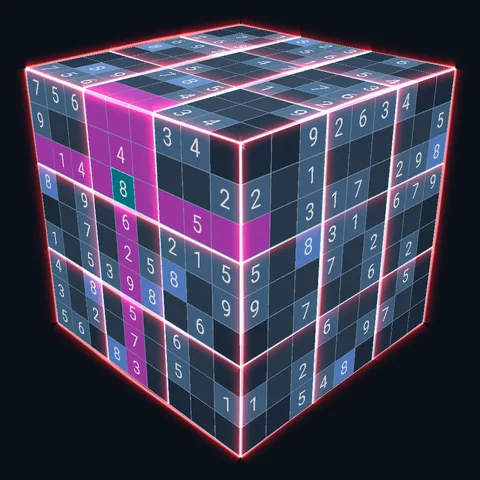
Six faces share their edges. A row on the front keeps going on the right face, and a corner digit counts three times. Rotate the cube, think across faces, solve.
Free to play, funded by ads. No puzzle is ever behind a paywall. Works offline.
One cube. Every face is a full Sudoku.
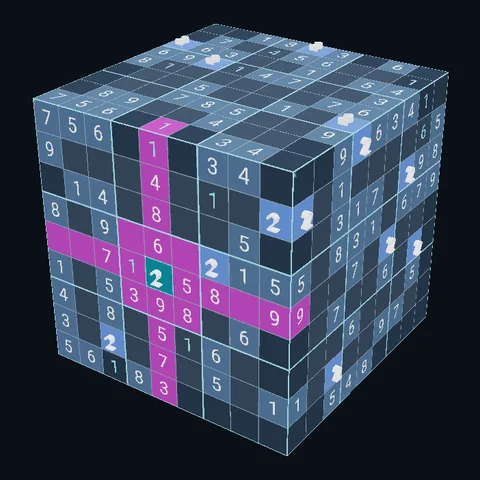
Cells on an edge belong to two faces at once, and the three corner cells belong to three. Place a digit there and it has to work for every grid it touches. That is the whole twist, and it changes how you think.
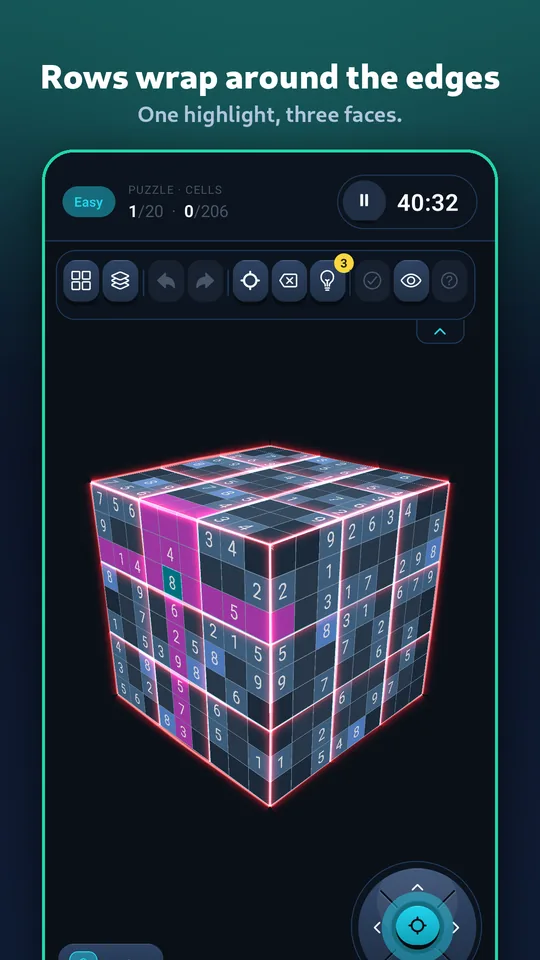
Rows and columns wrap around
Select a cell and the highlight bends over the edge onto the next face. What you rule out on one face is ruled out on its neighbour too.
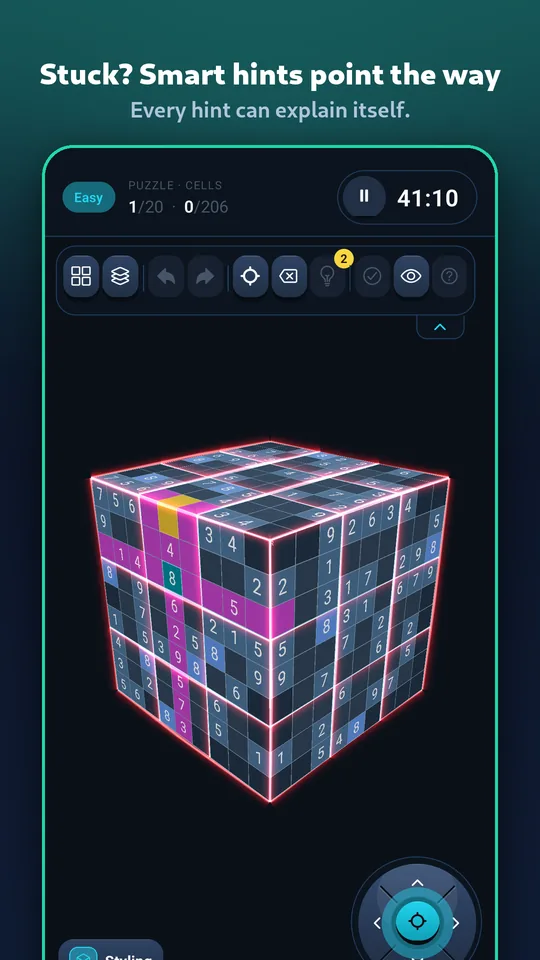
Help when you are stuck
Select a cell and a hint reveals its digit, or tap Check to find your mistakes. Each puzzle comes with a few of each, and a short ad adds more. In the trainer, a hint still lights the next cell and says why it must be that digit.
Unfold it, or see through it
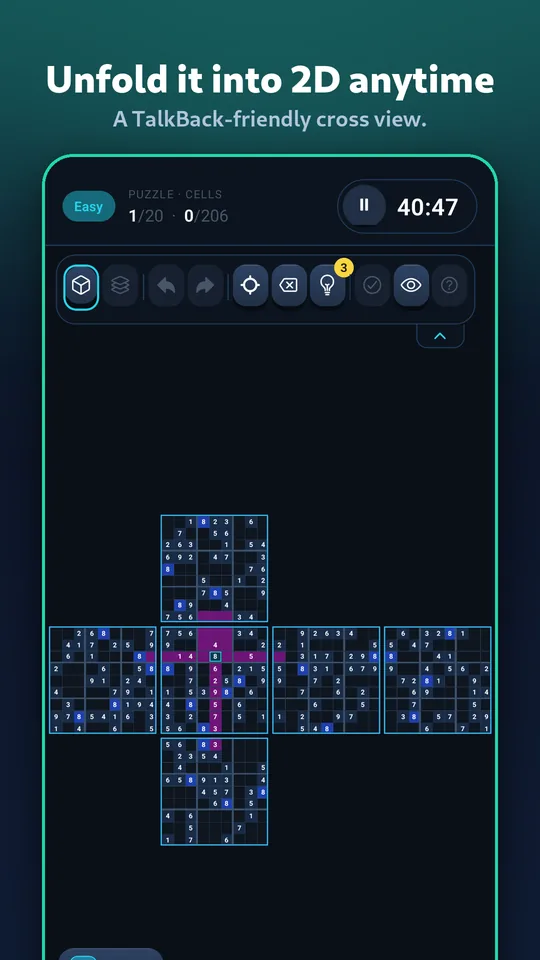
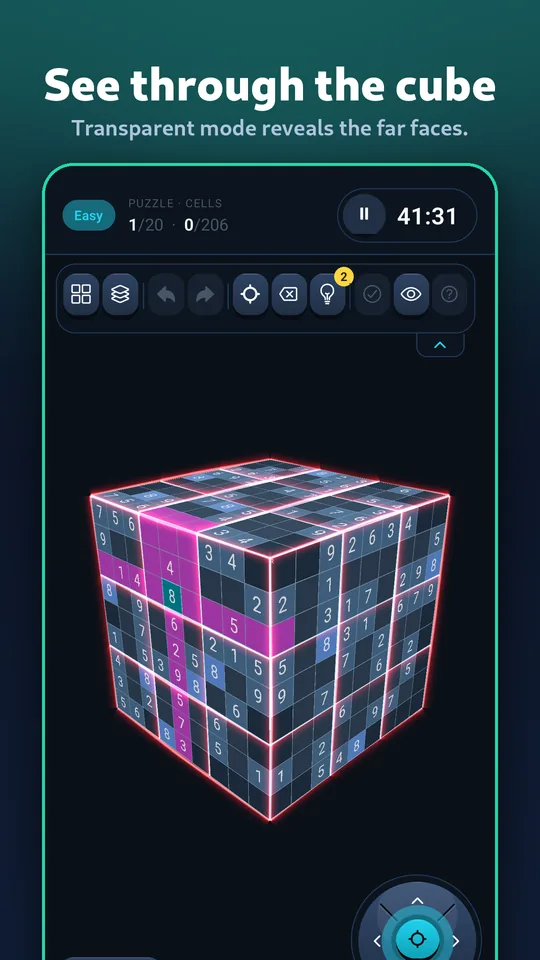
Flip the cube into a flat cross net any time, or turn on transparent mode and read every face while it turns.
Pencil marks, undo, auto-check
Everything a paper solver wants: candidates in every cell, unlimited undo and redo, and instant checking if you want it.
Plays offline
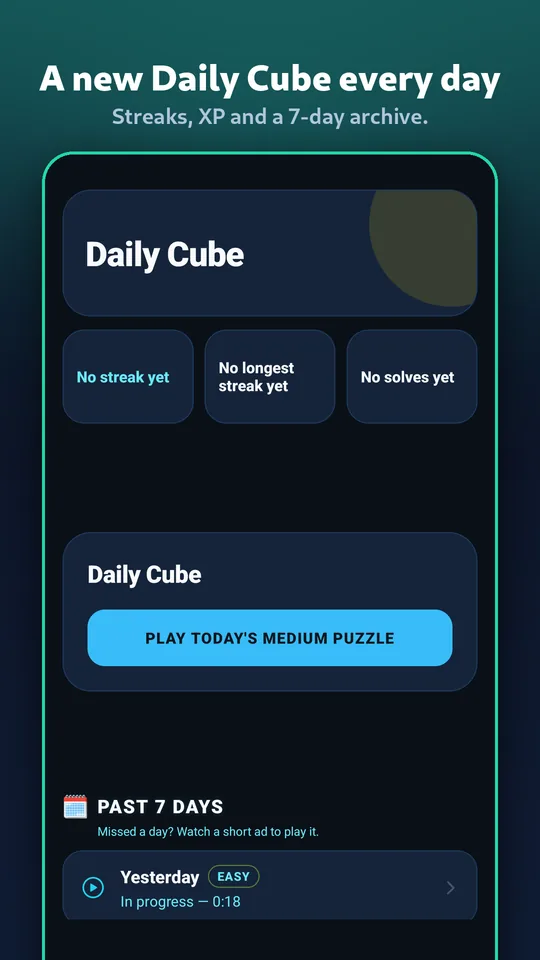
The 400 puzzles in the app need no connection, a pack you download stays on your phone, and the Daily Cube plays offline too.
Built to be read
Adjustable digit size, a colourblind-safe palette, reduced motion, TalkBack support, and eight languages including right-to-left Arabic.
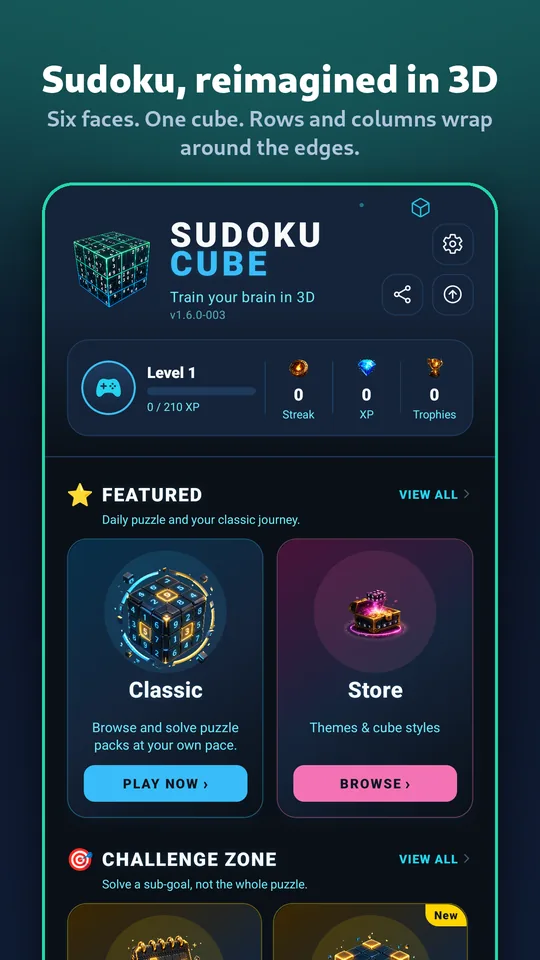
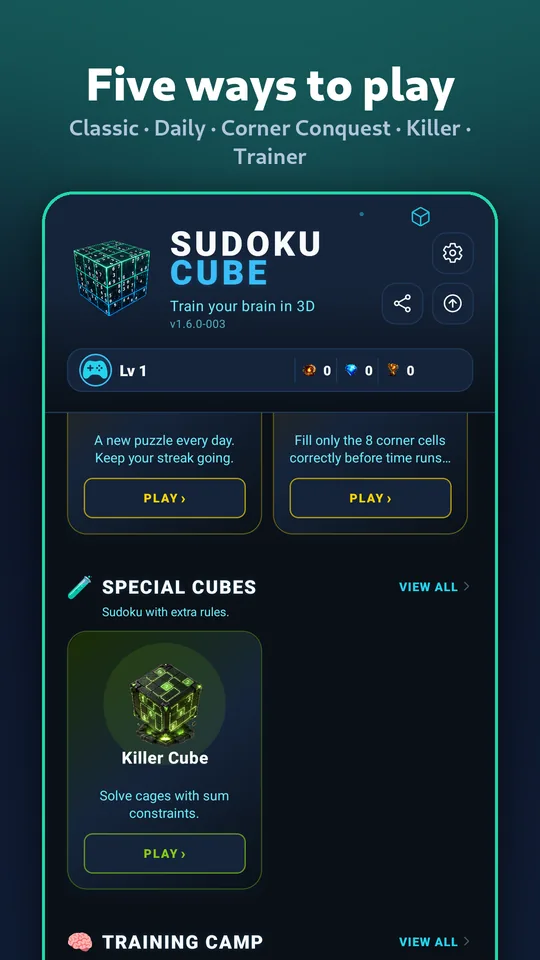
Fifteen ways to play, from a quiet Easy pack to a cube that turns itself
Eight are yours from the first launch. The seven others open as you play: reach a level, or earn a trophy. In the app, Game modes on the home screen shows them all and what each one takes.
What it looks like
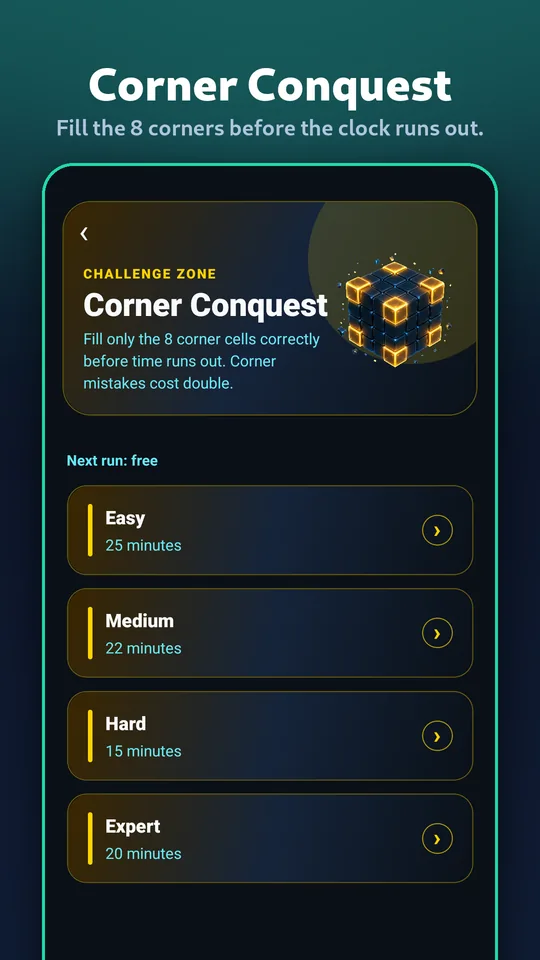
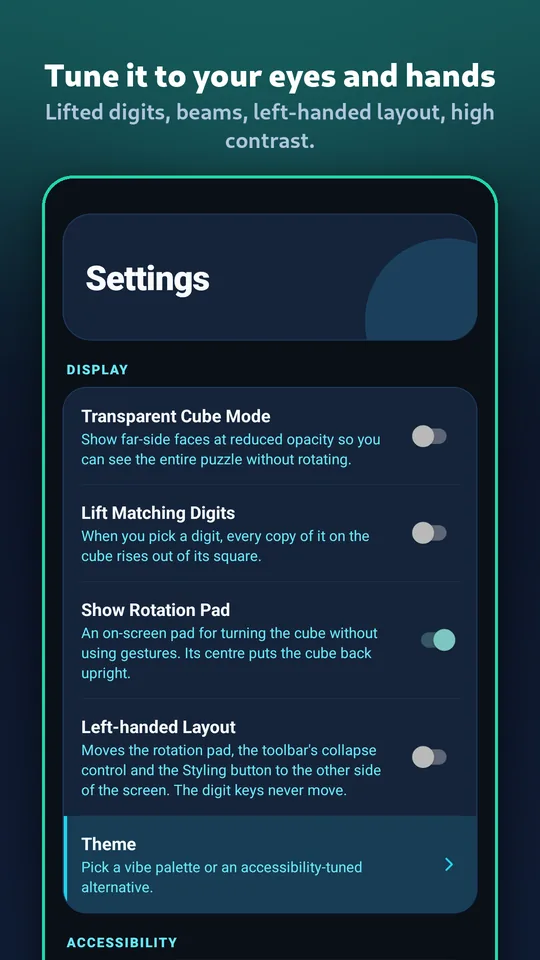
Ten captioned screenshots, captured on a phone in the Neon theme. Swipe through.
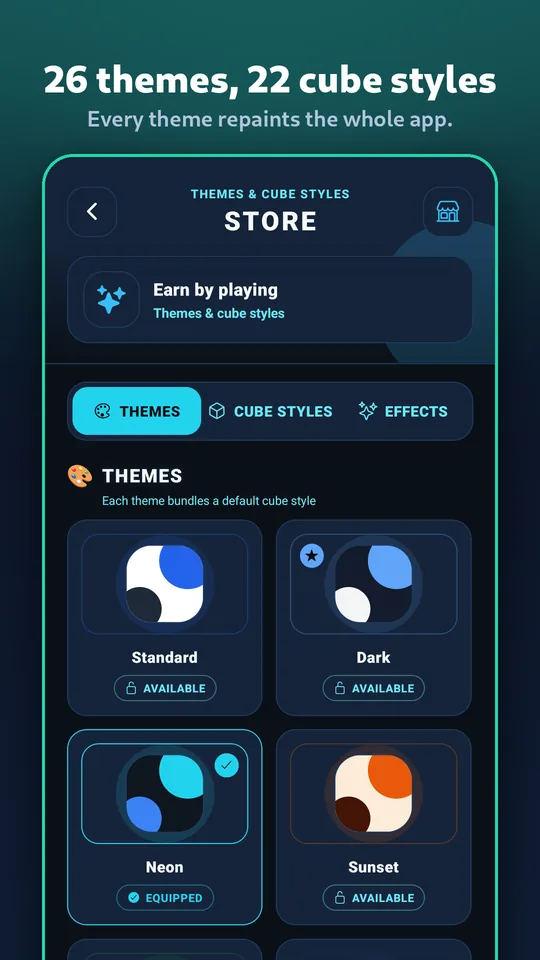
31 ways to dress the cube
A theme is not a skin on the cube alone — it repaints the header, the tray, the number pad and the menus with it. Below, the same puzzle at the same angle in every one. Each row scrolls on its own.
All 31 themes
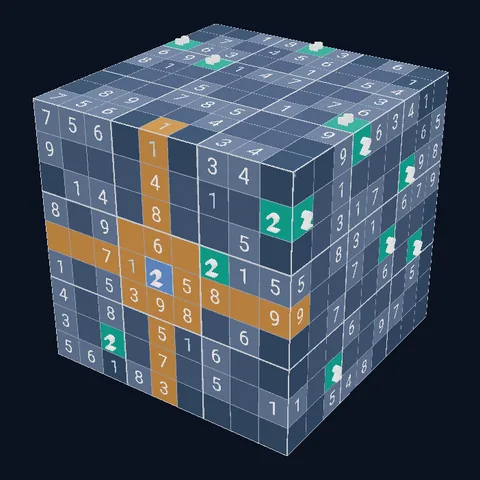
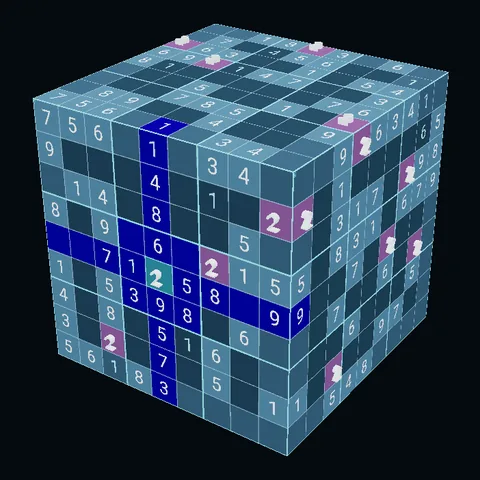
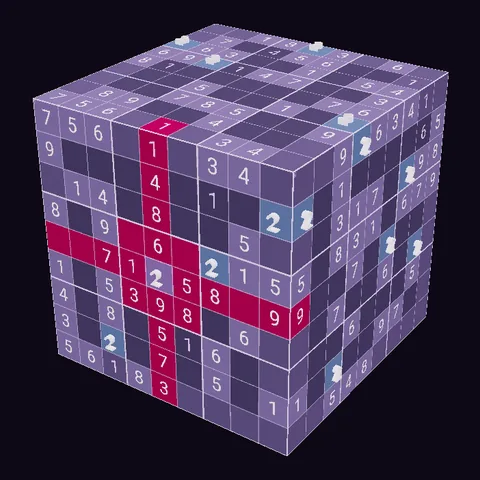
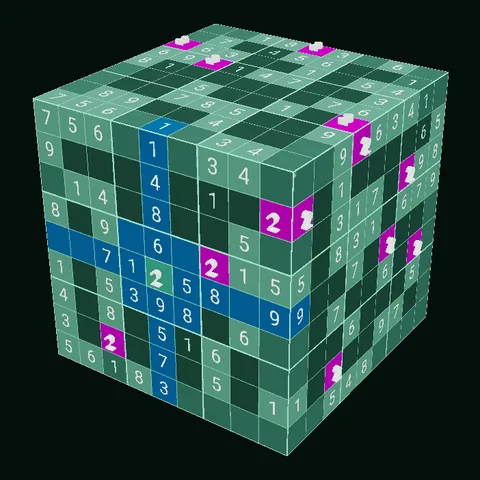
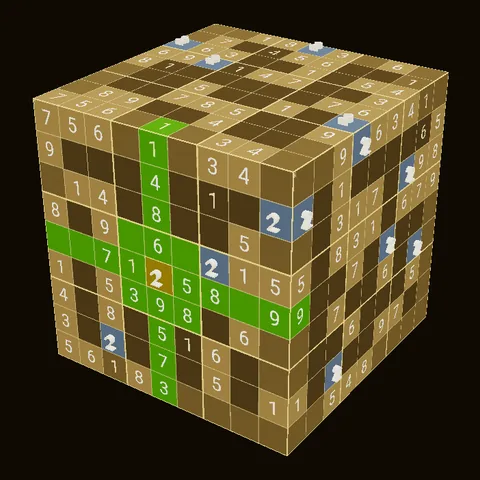
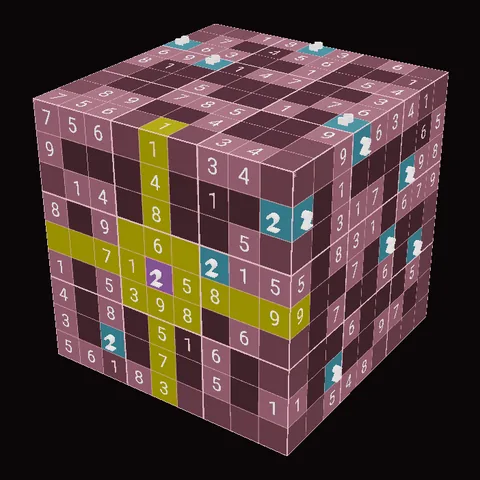
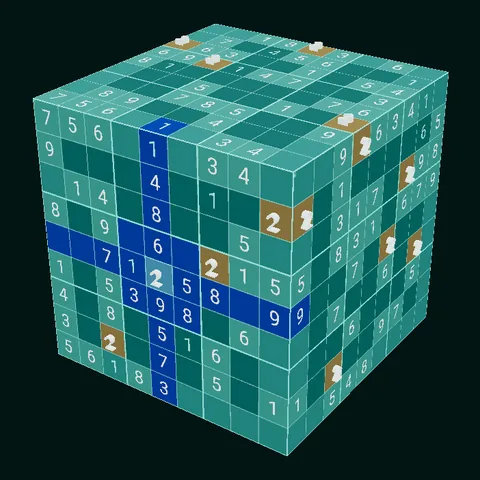
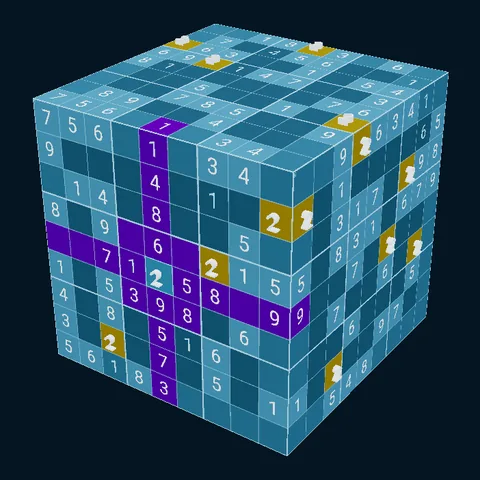
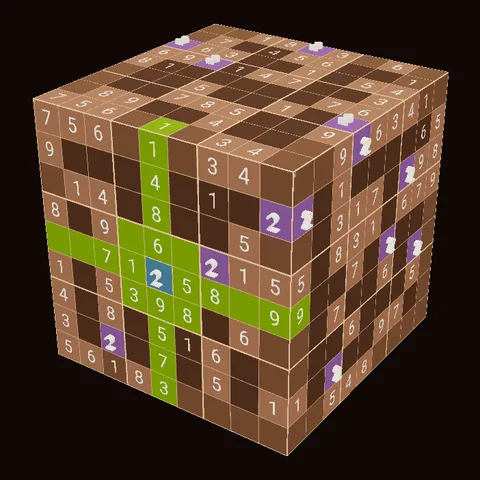
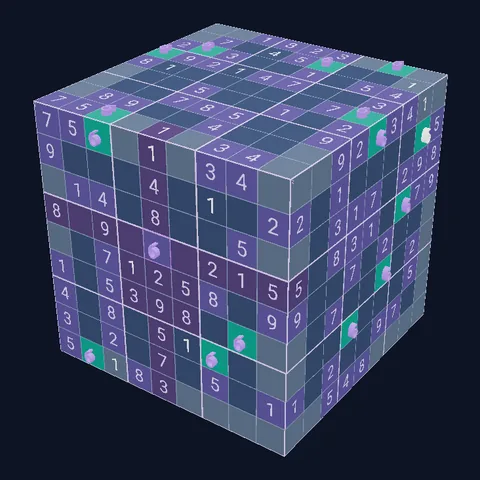
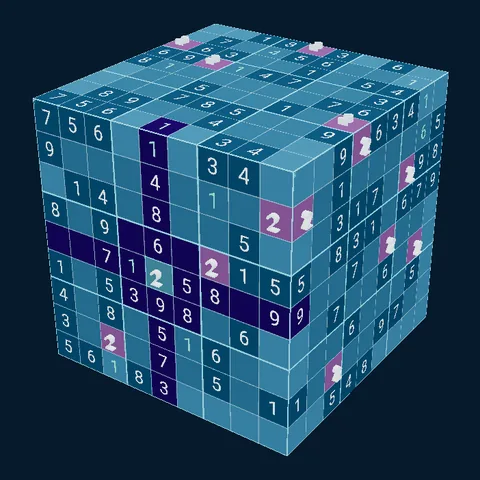
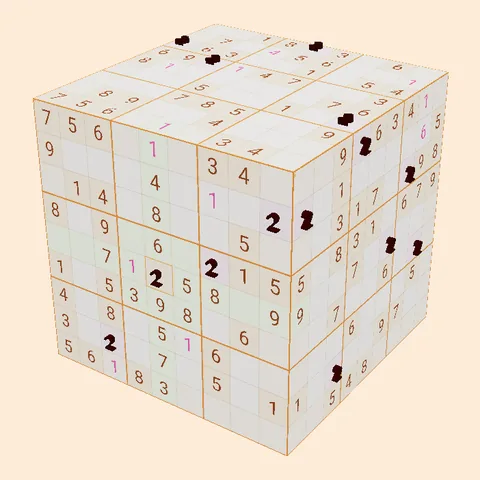
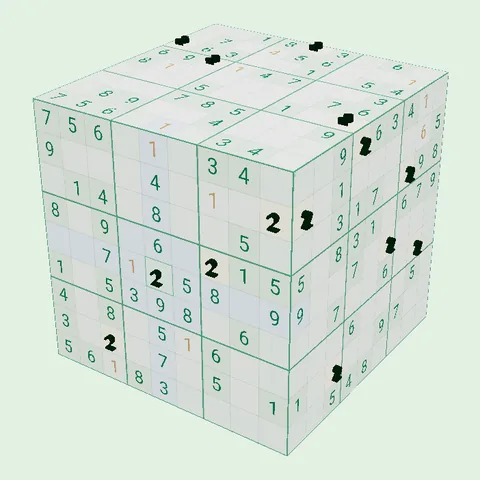
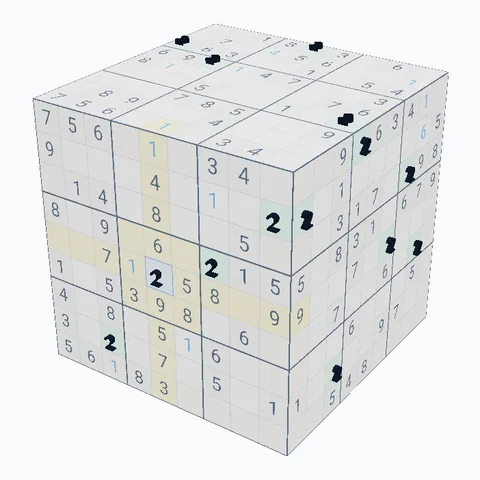
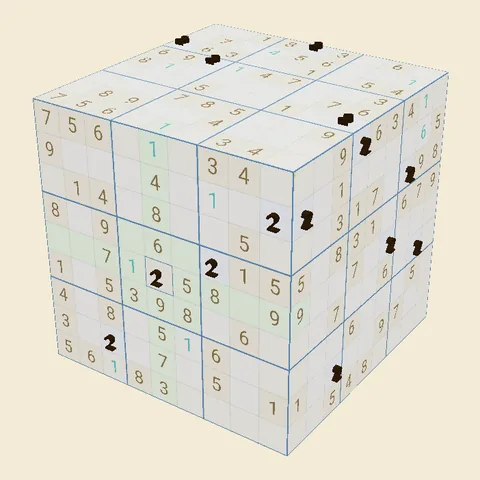
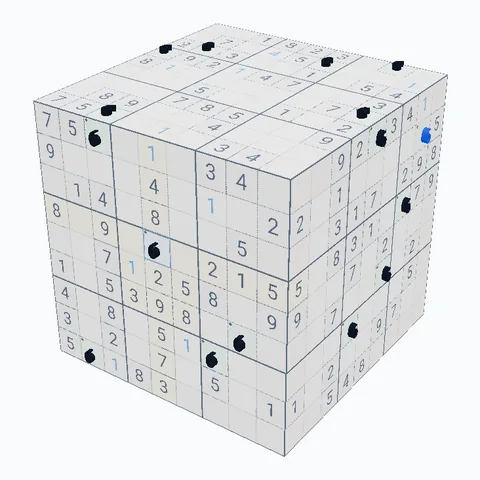
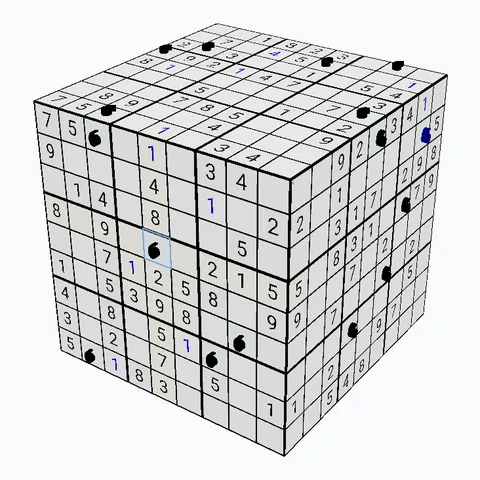
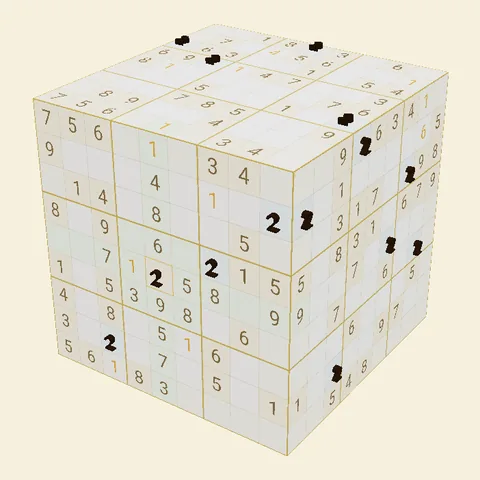
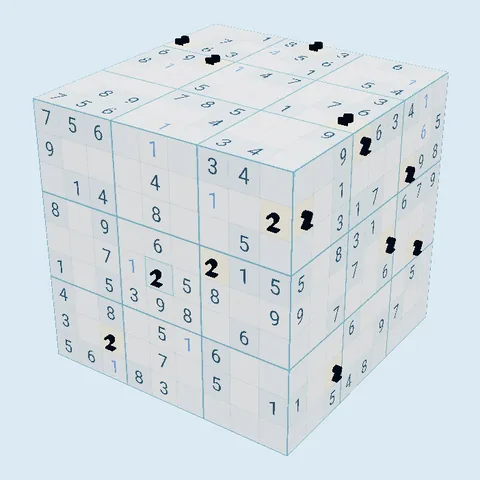
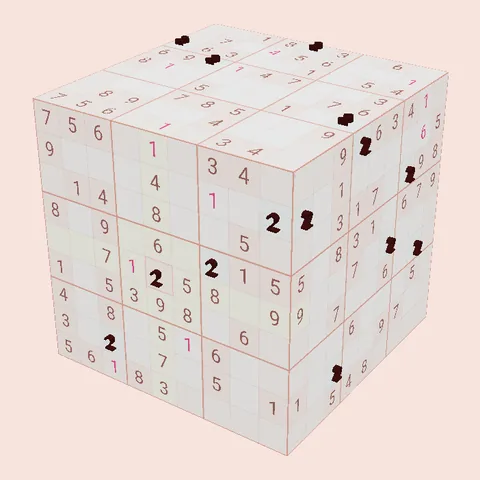
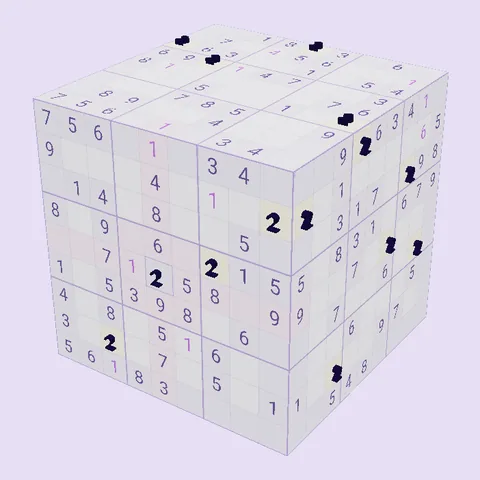
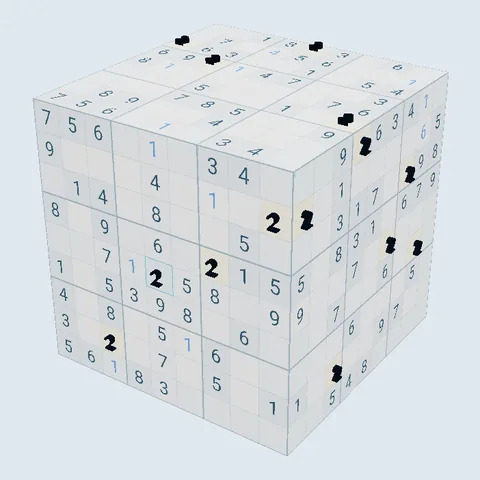
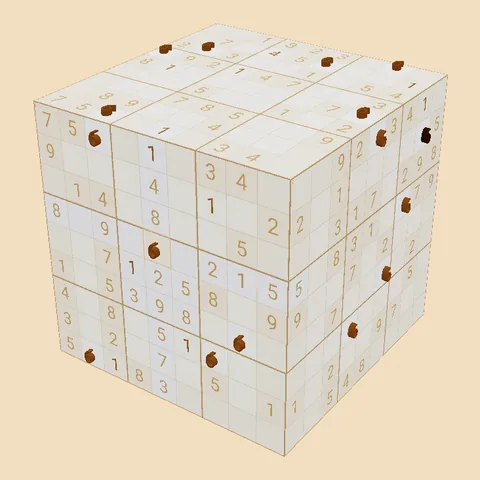
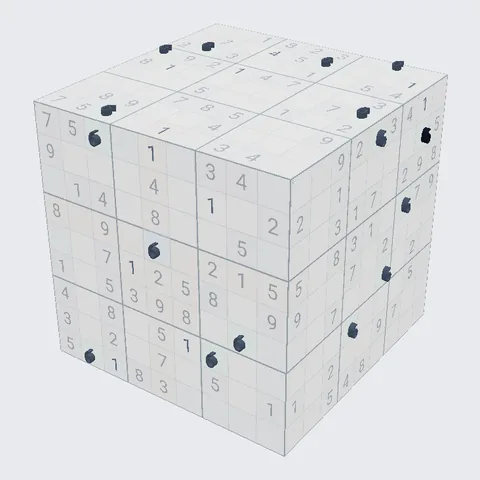
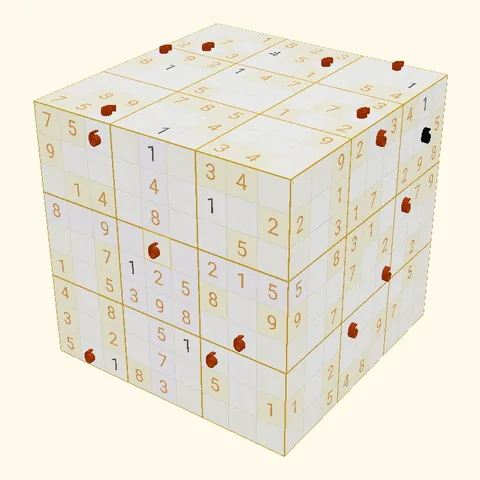
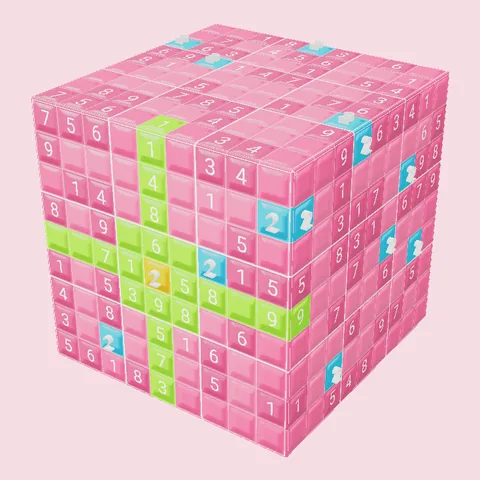
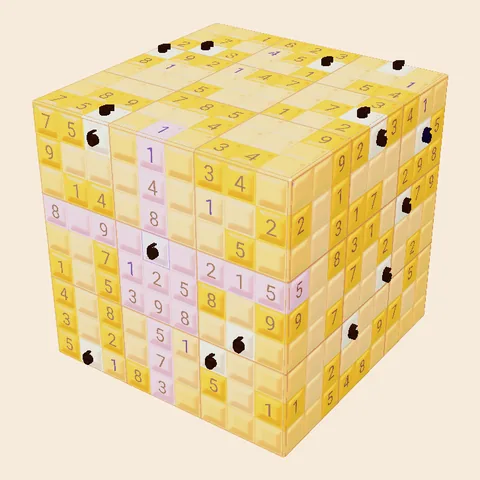
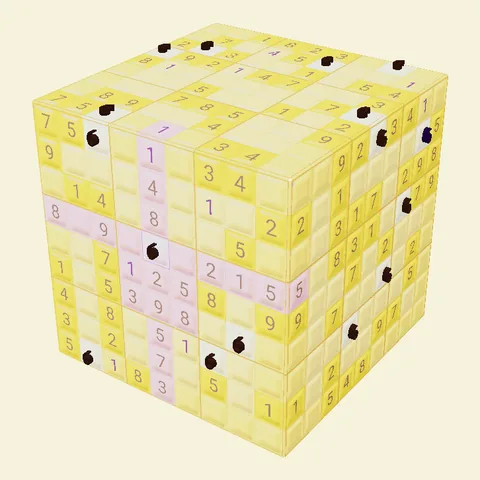
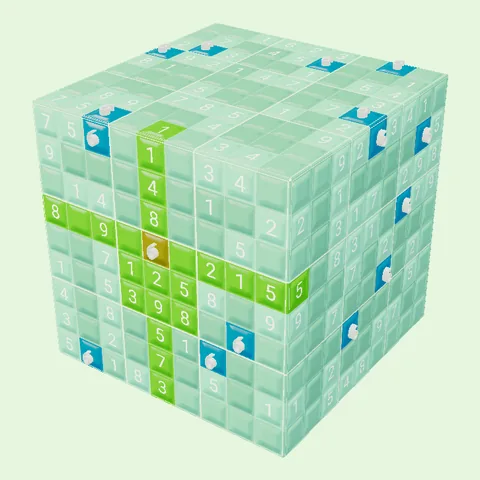
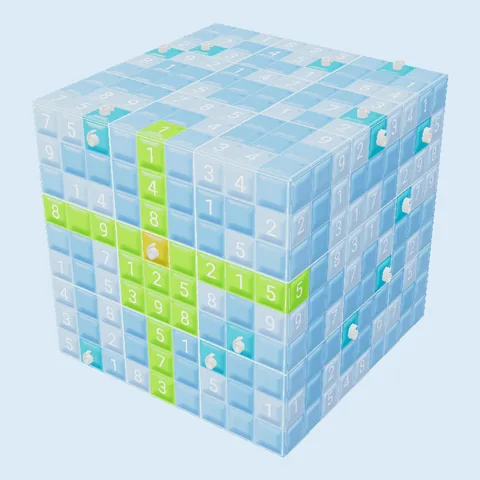
See every theme and cube style
Light beams and lifted digits
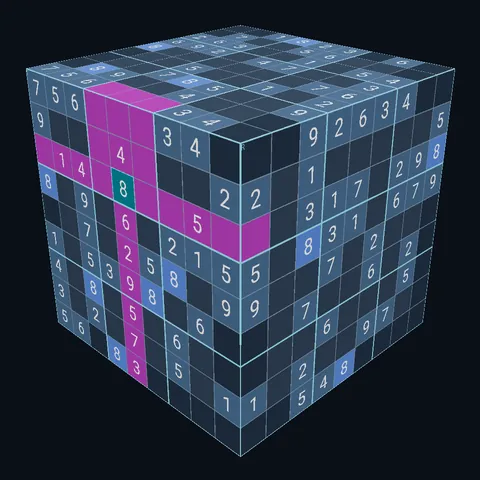
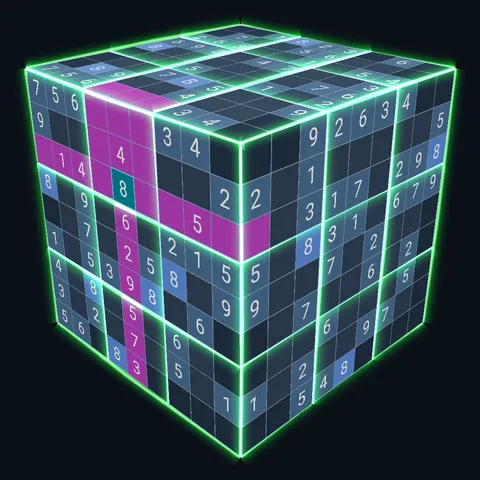
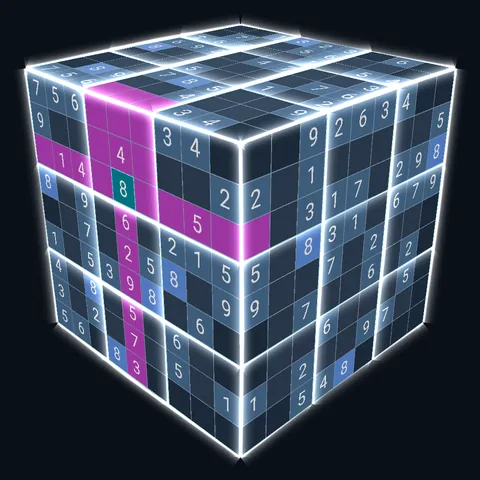
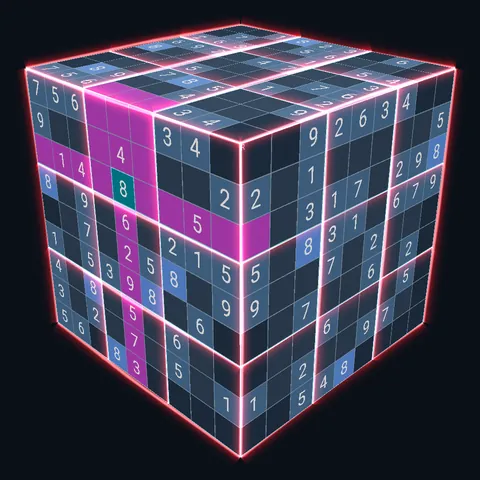
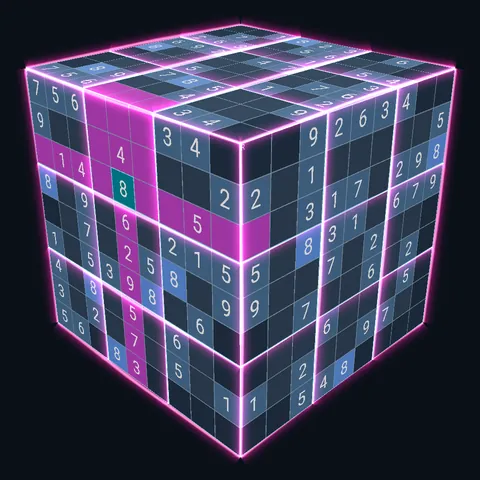
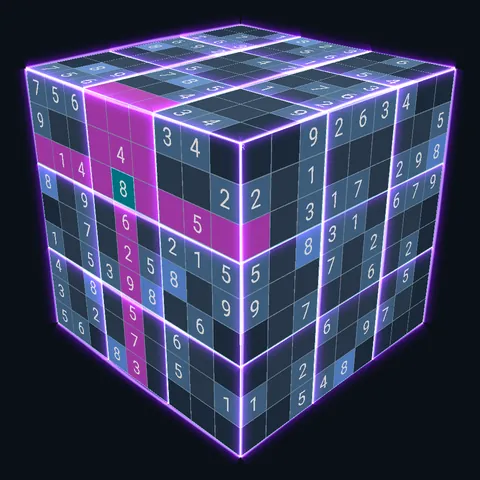
See it move
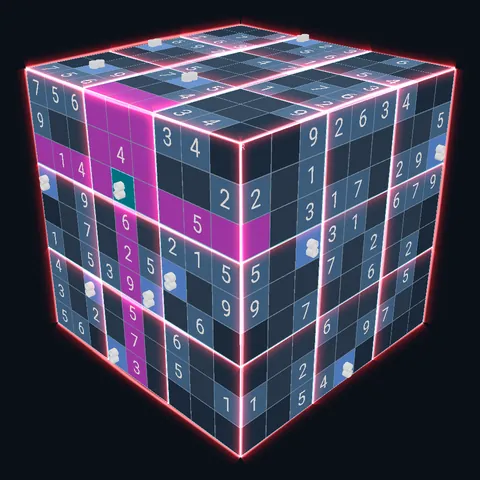
Half a minute, no sound. The cube turning, a row wrapping over the edge, matching digits rising out of the faces, the light beams, all 26 themes and the unfolded net.
Questions, bugs, ideas
Privacy
No account, no name, no email. What the app does collect, in plain words.
Read the privacy policy →Version
Current release: 1.7.1
Platform: Android
How do shared edges work?
Cells that sit on an edge between two faces appear on both faces at once. When you place a digit in that cell, it counts toward the rows, columns and boxes on every face it belongs to. The three cells at each corner belong to three faces. That is what makes the cube different from six flat grids.
My progress disappeared — what happened?
Your progress is stored on your phone, and with Google Play Games it is also backed up to your own Google account: automatically after a puzzle and when you leave the app, or at any time with Settings → Account → Back up now. On a new phone or after reinstalling, once Play Games has signed you in, the home screen offers to restore your progress, and Settings → Account → Restore progress does it at any time. Without Play Games, uninstalling the app or clearing its data erases your progress.
How do I change the language?
Settings → Language. The app speaks English, Français, Español, Português, Deutsch, العربية, 日本語 and 한국어.
How do I opt out of personalised ads?
Settings → Account → Privacy Settings inside the app changes your ad consent at any time, where your region requires a choice. You can also reset your advertising ID in your Android settings under Privacy → Ads.
Why does the next puzzle sometimes ask me to watch an ad?
The game is free and funded by ads. Some puzzles open right away; others open after a short ad, or on their own after a wait if you would rather not watch one. Nothing is ever locked behind a purchase, because there are no purchases.
How do I get more puzzle packs?
Finish a pack to unlock the next. Each level starts with the packs in the app; after them, the next pack downloads for a short ad and is yours to keep, offline too. It is downloaded and checked before the ad starts, so a failed download never costs you an ad. There are 60 packs so far, 1,200 puzzles in all.
How do I open the other modes?
The packs, One Face, the Daily Cube, Killer Cube, the trainer, Corner Conquest, Beat the Clock and Tifinagh are open from the first launch. The others open as you play, each at a level, and three of them sooner with a trophy: the cards under Ways to play say what each one takes. In the app, tap a locked mode to see how far you are, or tap Game modes on the home screen to see them all.
Something else?
Email support@virt-services.com and we will get back to you as soon as we can.